
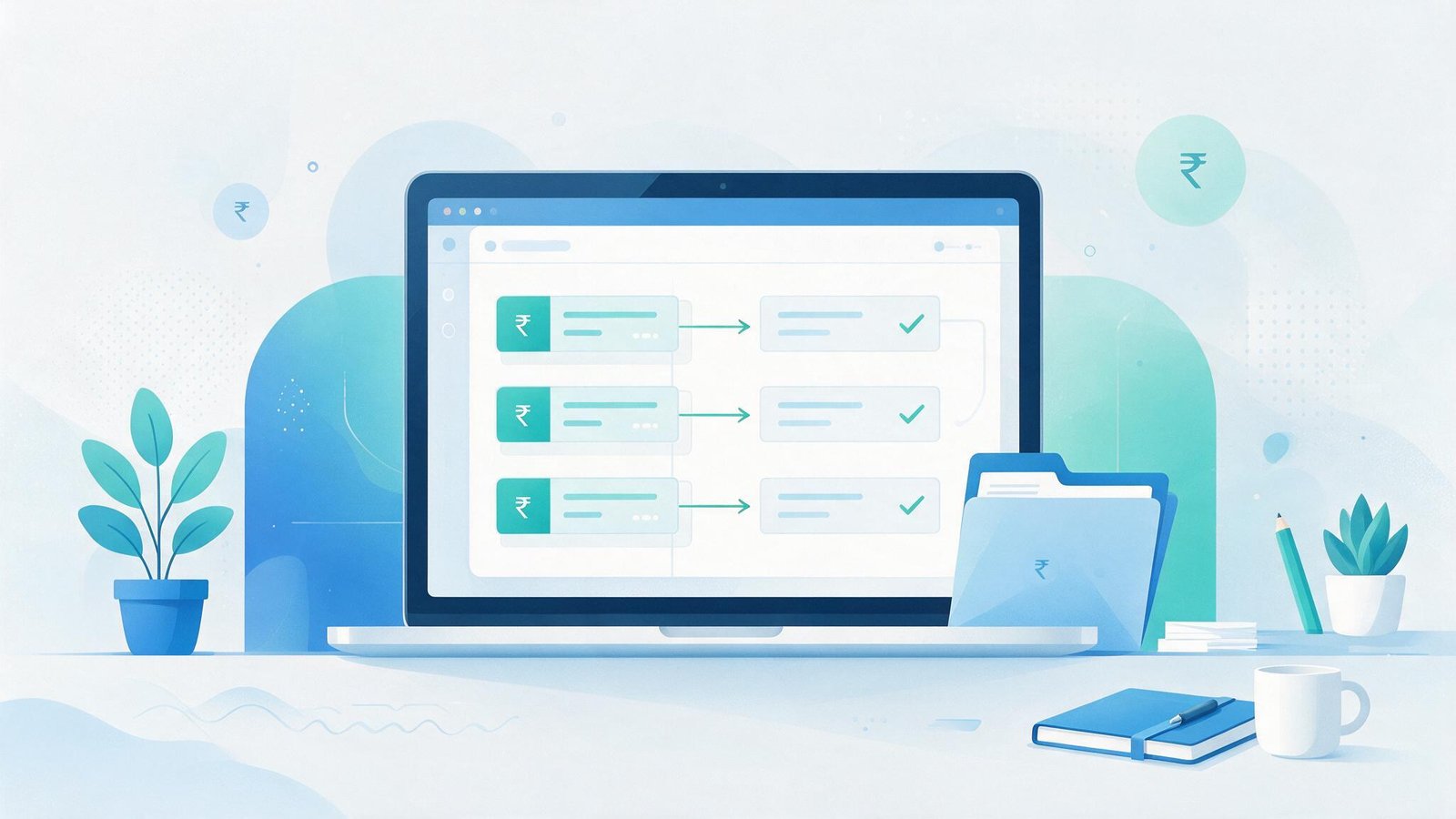
You automate bank reconciliation by connecting your bank statement feed (via net banking export, SFTP, or an account aggregator API) to a matching engine that checks each transaction against your ledger — by amount, date, and reference number — auto-posts confirmed matches into Tally, Zoho Books, or your ERP, and routes only the mismatches to a person for review. Done properly, this turns a multi-day, multi-account close into a same-day task with a clean exception queue instead of a spreadsheet full of manual ticks.
For most Indian SMEs, this isn't optional anymore. If you run more than two bank accounts, accept UPI and NEFT payments alongside cheques, and post entries in Tally or Zoho, manual reconciliation is one of the few finance tasks that gets slower as you grow rather than easier.
Why manual reconciliation breaks down as you scale
Reconciliation feels manageable with one bank account and a low transaction count. It stops being manageable fast.
Industry data backs this up: accounting firms doing bookkeeping report averaging over 11 hours per client per month just on bank reconciliation, according to AICPA's Practice Economics Survey. At the organizational level, larger companies report spending roughly 100 person-hours per employee per year on reconciliation-type matching work. Indian SMEs running lean finance teams feel this even harder — there's no dedicated reconciliation analyst, so the task falls on whoever does accounts, usually squeezed in around GST filing deadlines.
The specific pain points for Indian businesses compound the problem:
Multiple bank accounts for different purposes — a current account for operations, a separate one for a specific client or project, sometimes one per branch — each need reconciling independently, and none of the statement formats match cleanly.
UPI, NEFT, RTGS, and cheque payments all show up with different reference formats in the bank statement, so a payment that's one line item in your ledger might need matching against a cryptic UPI handle or a truncated narration field in the bank feed.
Manual re-entry into Tally or Zoho after checking the bank portal introduces transposition errors — a wrong digit in an amount or a missed entry is invisible until it shows up as an unexplained variance three months later.
None of this is a technology limitation. It's a process that was designed for low transaction volume and hasn't been redesigned as volume grew.
What automated bank reconciliation actually does
At its core, an automated reconciliation workflow has three parts.
A data feed pulls transactions from the bank — either through a bank-provided API (increasingly available from HDFC, ICICI, SBI, and Axis for business accounts), an account aggregator connection under the RBI's AA framework, or a scheduled import of statement exports if the bank doesn't offer API access yet.
A matching engine compares each bank transaction against open entries in your ledger using a rules hierarchy: exact match on amount and reference number first, then amount and date within a tolerance window, then fuzzy matching against payer/payee name for UPI and NEFT transfers where reference numbers don't map cleanly to invoice numbers. Matched pairs are auto-posted as reconciled.
An exception queue holds everything the rules engine couldn't confidently match — a partial payment, a bank charge with no corresponding ledger entry, a duplicate — for a human to resolve in minutes rather than hours, because the queue is small and pre-sorted instead of the full transaction list.
Done well, this reduces the reconciler's job from "check every single line" to "resolve the 5-10% that genuinely need judgment." Reports from finance teams that have implemented this describe cutting per-client reconciliation from around 4 hours to under 15 minutes a month.
A concrete example: a Kolkata packaging manufacturer with four bank accounts
A mid-sized packaging manufacturer running four bank accounts — one per major client relationship, plus a general operating account — was spending close to three full days at month-end reconciling all four against Tally. The finance lead was manually downloading statements, cross-checking against the sales ledger, and re-keying corrections, all while also closing GST returns on the same timeline.
The fix wasn't a new accounting package. It was a workflow layer sitting between the bank statement exports and Tally: a scheduled import pulled each account's transactions, a rules engine matched roughly 85% of transactions automatically against open invoices and purchase entries, and the remaining transactions landed in a review queue tagged by likely cause (unmatched UPI reference, bank charge, duplicate entry). Month-end reconciliation across all four accounts now takes under half a day, and the exception queue means errors get caught within days instead of surfacing at year-end audit.
Build vs. buy: why off-the-shelf tools don't always fit
There's no shortage of reconciliation software in India — Vyapar, Hostbooks, Giddh, and others all offer some form of auto-matching. For a single-account, single-workflow business, one of these can be enough.
The gap shows up when your reconciliation needs don't match the tool's assumptions: multiple bank accounts with different reconciliation cadences, a matching logic specific to how your business references invoices (say, a purchase order number embedded in the UPI narration field), or a requirement to reconcile against a custom ERP rather than standard Tally or Zoho. Off-the-shelf tools are built for the common case, and once your process diverges from it, you end up doing manual workarounds inside the very tool that was supposed to remove manual work.
A workflow built around your actual reference formats, your actual chart of accounts, and your actual bank mix will match a higher percentage automatically on day one, because the matching rules are written for your data rather than a generic template. It also means the reconciliation workflow can plug into whatever else you're already automating — GST filing, vendor payments, AR follow-ups — instead of living as a separate silo.
What implementation actually takes
Three things determine how fast this can go live.
Bank data access is the first gate — check whether your bank offers a business API or account aggregator connection, since that determines whether the feed is real-time or a daily/weekly batch import from statement exports. Most private banks now support at least one option; some cooperative and regional banks still require manual statement downloads.
ERP integration is the second — Tally, Zoho Books, and most custom ERPs support either a direct API or a structured import format, so posting matched entries back automatically is usually straightforward once the matching logic is defined.
Matching rules need to be built against a sample of your actual transaction history, not a generic template — pull three to six months of past bank statements and ledger entries, and the rules can be tuned to hit high match rates before go-live rather than being adjusted reactively for months afterward.
Most implementations for a business with two to five bank accounts and a standard Tally or Zoho setup go from kickoff to a working exception queue in two to four weeks.
FAQ
Does automated bank reconciliation work with Tally?
Yes. Tally supports both API-based integration and structured data import, so matched transactions can post automatically without manual voucher entry. The setup depends on your Tally version and whether it's hosted on-premise or on TallyPrime Server.
Is this only for businesses with many bank accounts?
It pays off fastest for multi-account businesses, but even a single-account business with high transaction volume — frequent UPI collections, for instance — benefits from removing manual line-by-line checking.
How accurate is automated matching?
Well-tuned rules typically auto-match 80-90% of transactions on standard payment types (NEFT, RTGS, cheque). UPI and cash transactions with ambiguous references usually land in the exception queue more often, which is expected — the goal is a small, manageable queue, not 100% automation.
What about security, since this touches bank data?
Bank API and account aggregator connections use RBI-regulated consent frameworks with read-only access and time-bound tokens — the workflow reads transaction data, it never gets payment initiation rights.
Can this integrate with GST filing and other finance workflows?
Yes — reconciled bank data is a useful input for accounts payable automation, vendor payment tracking, and GST invoice matching, so it's worth designing the reconciliation workflow to feed those processes rather than as a standalone tool.
If your finance team is still closing the month by manually ticking off bank statement lines, it's worth mapping out what a custom reconciliation workflow would look like for your specific account mix and ledger setup. Talk to Firstly Solutions about workflow automation for a scoped assessment of what's automatable in your current close process.